All I had to do was delete the Smiley Program, restart the PC, and download the Smiley's again!  Guess what we'll all be doing on Thursday!Have a Happy!
No---they are not here. "An error has occurred in the script on this page." ???? I get the same message if I try to add a Smiley to an e-mail I'm writing, or to any of the other blogs. Here we go again! It seems this happened after I added a photo by going thru "Blog This" and Mozilla Firefox came up. What a pain!
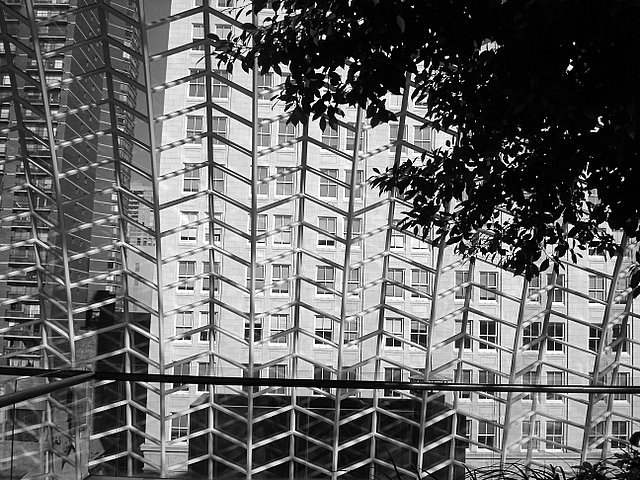
 The Dorrance H. Hamilton Garden on top of the Perelman Theater
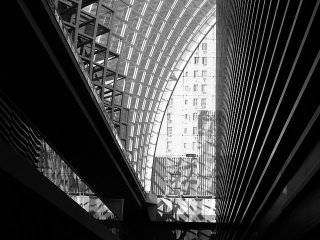 Another experiment -- if you download a black & white photo onto a black blog background (say that fast!) it looks like it's a collage in 2 pieces. What water colorists call "a happy accident."Now let's see if I can copy this onto my other blog.There's always one photo that gives me a problem. I've tried to download a photo taken on the roof garden at the Kimmel Center & both this site, and "Room With Another View" come up with "Web Site Not Responding." I'll try going back into Picasa & do "Blog This" which goes through Mozilla Foxfire. For some reason that seems to work, but you have to open a new post to download it. Why? Who knows! Well, here goes.
 Tried numerous times to download this photo on "A Room With Another View." While other photos from the same album on the C-drive worked, this one wouldn't. So in keeping with the use of this blog for experimenting, I've downloaded it using "Blog This." Let's see what happens. OK, it worked. But why here, and not there? I'll try copying the HTML and pasting it into the other blog site. Sure beats doing the stuff I have to do today, like errands and more co-op bill paying!
 In case you're wondering where I've been for a week...well, hanging out with the fashionistas at the Chocolate Show! Actually I've been on my main blog, "A Room With Another View." I even experimented with using "cut" and "paste" Html to move photos around, and it worked. I found out that I can ignore messages about missing end or begin horizontal carets, and still get the blog to publish. It's fun ignoring highlighted remarks that don't make sense to me!
 That nasty Dragon was getting tiresome, so I thought I'd update the blog, and add this abstract painting and maybe experiment a little. Like can I add another "blog this" photo while this screen is open? Let's see. Just looking for a little frustration this morning!
HAH! Tried to open up Picasa to download another photo..it shows up as a blurry screen behind this one. Guess that "experiment" didn't work. I'll just publish this blog as is, and see if I can add another photo later.
 About trying to download photos to this website!
 Friday evening - across the green mall from the Manchester Inn
Let's see what happens if you try to download 2 pictures before you publish your post.I got the message "Web site not responding." I'll publish with just one photo & try again. Tried again--same message. Now I'll re-publish and Try Again! Try #3 - Same message. I'm outa here. I'll go read a book--at least I can turn the pages whenever I want to.

Just testing my theory...first download the photo, then add the comments.
Pots outside a Crafts Museum & Market - India 2005. Someone actually bid for this photo at a White Elephant Benefit for the NMVO.
Now to see if part 2 of my theory works..can the photo be enlarged?What do you know--it worked. But there is weird spacing on the comments. Lets see if I can mess around with the HTML. If I only knew what all that "span, strong, strong," stuff meant. I think I'll leave it alone and see if it self adjusts.
Checked Amazon, and of course...there are Dummy Books out there for blogging & HTML'ing. Before I get more books I don't use, I'm going to try out my theory of photo enlarging. Here goes. First, I download a photo (or 2)--Silly me...First I tried to download 2 photos. Got the message "Web site not responding." Went back and tried to download just 1 photo. Got the message "Web site may be experiencing difficulty." Not the only one, webbie! Who needs this first thing in the a.m.! Utter Frustration...isn't this an aptly named blog.
I think I've discovered why some photos can be enlarged and others not. If I download the photo and leave it in place, it can be enlarged. If I drag it to another spot (let's say under the words), once it's dragged, it only shows up under Html in the small size. Why? Who the HTML knows! Is there a book out there called "HTML For Dummies?" or "Blogging For Dummies?" Shall I shall check out Amazon.com? No matter where you put the cursor, a photo always jumps to the top of the page. OK, Dummy--just download the pictures; add the text later. Maybe. Or maybe I'll just take a nap!
Last night I spent about an hour trying to get Cliff's printer to do a very complicated thing--print! Just when I had almost given up, it worked. Love to take credit for fixing it, but I don't know exactly what I did, except shake up the ink cartridges in disgust.Now in the wee hours of the morning when I should be framing the photos & watercolor I'm taking to the Museum, I decided to play with my blog. I accidentally created a Draft; now I know how to find it again & fix it. When I did that, miraculously the Sol LeWitt photos in the earlier blog can now be enlarged. Oh, no--the Museum isn't hanging my stuff. I'm just donating them for the Volunteer Silent Auction. My works usually do pretty good for whatever organization I've given them to--now if I could only figure a way to make some money for my favorite charitable organization--me.Well, I'd better stop blogging and start framing--I have to leave at 9:00 a.m.
 Sometimes I can download a photo with no problem; it even enlarges with a "click." Other times - a picture, but no enlarging possible. And then there are the "no response - no picture" times. Why, why, why?
Let's see what happens if I download a photo I know worked in another blog.Well, this time it worked! I'll publish and then add another photo from the same folder...we'll see.So it comes up "Error: Web Site Not Responding." Now I'll try copying the HTML from the first picture. This is driving me to Utter Frustration! Well, all I had to do was copy the HTML for the first photo, change the photo number, it worked! Now what...I tried to enlarge the above photo. Got a message: "The requested URL/blogger/4203/1338/1600/DSC1194.jpg was not found on this server." Well, what server is it on?
 after 8 days is this the best I could come up with? Yes--just "monkeying" around. I've tried the new Picasa "Blog This" and while I can download 1 picture to the blog, when I tried to edit (add a comment or another picture) -- back to Utter Frustration!
I knew it--a Broken Tag! What the H--L is that? Does crazy glue fix broken tags? Or just those funny little carets? Well, I'll throw some in, just for the HTML of it!
Utter Frustration is so boring--even I didn't look at it for 5 days!What shall I do to jazz it up? How about a Smiley that shows how I really felt yesterday evening at about 6:15 pm?
I started this blog because I a) suddenly I couldn't download photos on my other two blogs orb) if I did, they couldn't be enlargedStarted this new blog by using HTML codes copied from one of my other blogs and the pictures worked out fine.I forgot to put in a title for the Blog--so guess what--can't use "edit post" to enter a title. Then I tried a new post---no title box either! Maybe it's me--but THIS IS UTTER FRUSTRATION! I certainly don't have a clue as to what the H--L HTML is. All those funny little xxxxxxxxx strong do?<>
What happened to the cute little Smileys? They have a few perfect ones--kicking, smashing, and otherwise interacting with your PC! GONE!
UTTER FRUSTRATION!
I knew it--when I typed some of those d--n h--l codes in the paragraph above, I got an error message. So now I'll just put xxx's in place of the sideways carets.UTTER FRUSTRATION!
YAY! SMILEYS ARE BACK! LET'S SEE WHAT HAPPENS WHEN I ENTER ONE ON THIS BLOG... 

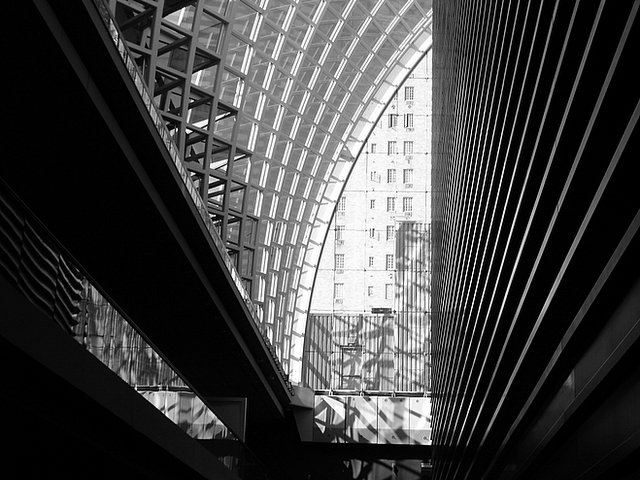 Another experiment -- if you download a black & white photo onto a black blog background (say that fast!) it looks like it's a collage in 2 pieces. What water colorists call "a happy accident."
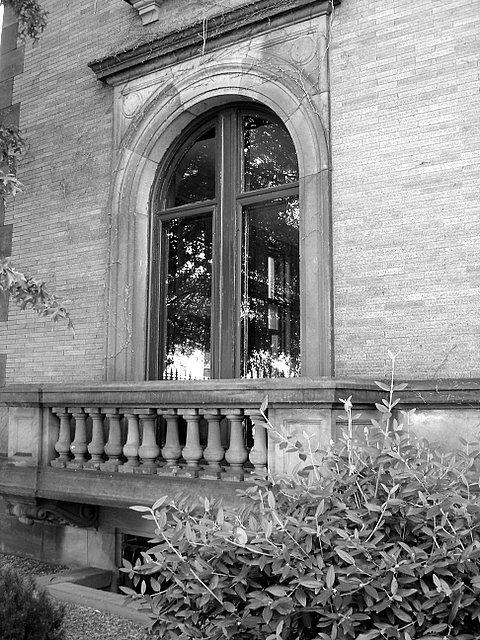 Tried numerous times to download this photo on "A Room With Another View." While other photos from the same album on the C-drive worked, this one wouldn't. So in keeping with the use of this blog for experimenting, I've downloaded it using "Blog This." Let's see what happens. OK, it worked. But why here, and not there? I'll try copying the HTML and pasting it into the other blog site. Sure beats doing the stuff I have to do today, like errands and more co-op bill paying!
 In case you're wondering where I've been for a week...well, hanging out with the fashionistas at the Chocolate Show! Actually I've been on my main blog, "A Room With Another View." I even experimented with using "cut" and "paste" Html to move photos around, and it worked. I found out that I can ignore messages about missing end or begin horizontal carets, and still get the blog to publish. It's fun ignoring highlighted remarks that don't make sense to me!
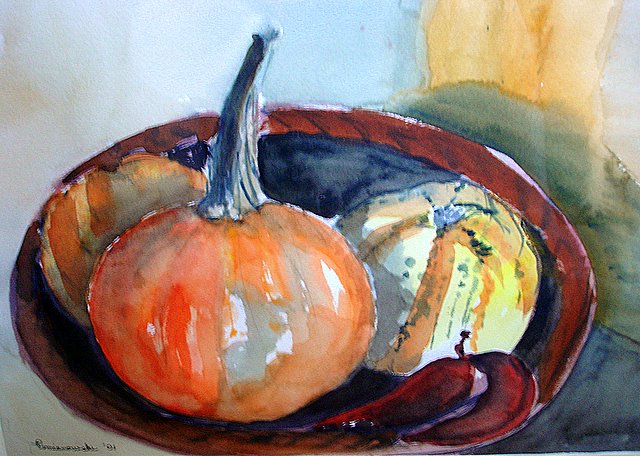
  That nasty Dragon was getting tiresome, so I thought I'd update the blog, and add this abstract painting and maybe experiment a little. Like can I add another "blog this" photo while this screen is open? Let's see. Just looking for a little frustration this morning!
 Friday evening - across the green mall from the Manchester Inn

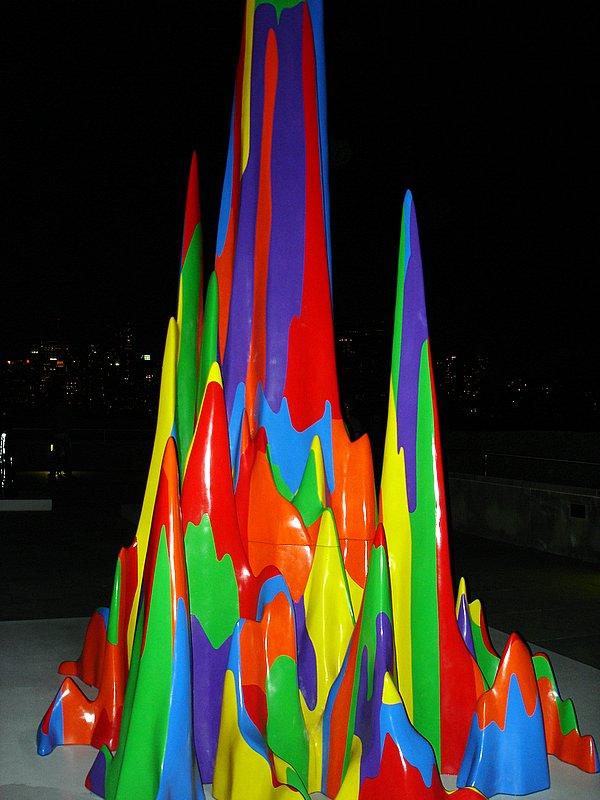 Well, all I had to do was copy the HTML for the first photo, change the photo number, it worked!